
Published: August 25, 2026
After purchasing an eSIM and installing it by scanning the QR code, mobile data and hotspot sharing may not work automatically because the required network connection is not always configured.
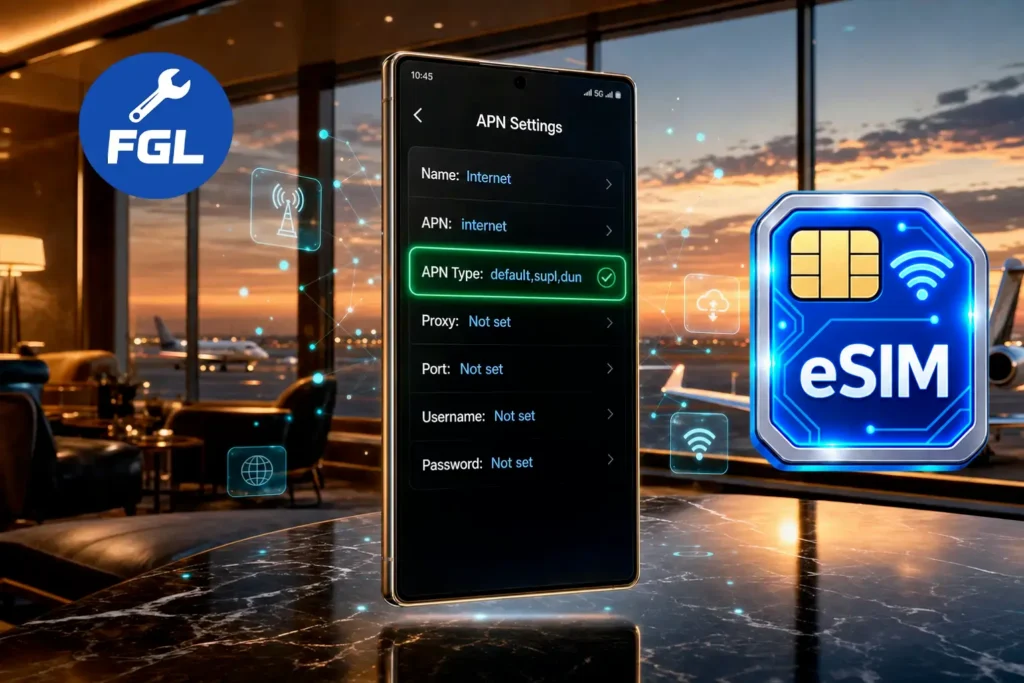
Select the eSIM as your mobile data SIM, then configure the APN (Access Point Name) settings provided by your eSIM provider. This allows your device to connect to the provider’s network for mobile data and supported hotspot features.
Quick Fix
Enter the details provided by your eSIM provider in the correct fields and save the settings.
- Name
- APN
- Username
- Password
- APN Type
iPhone
- APN
- Username
- Password
- Personal Hotspot APN
Your eSIM provider usually provides these details in the activation instructions, app, email, or setup information.
Why Incorrect APN Settings Block eSIM Hotspot
Some carriers and Android devices use a separate tethering APN or APN Type for hotspot traffic, while others use the regular data APN.
The Cellular Data APN handles internet access on your phone, while the Personal Hotspot (Tethering) APN handles the connection shared with other devices. These settings can vary by carrier.
On some Android devices, the APN Type determines whether tethering is supported. Carriers may use dun (Dial-Up Networking) for this purpose. If dun is required but missing or incorrect, the hotspot may not work even when mobile data works normally.
How to Fix eSIM APN Settings on Android
Menu names vary by brand—Pixel and stock Android use Network & internet, while Samsung uses Connections.
Access Point Name (APN) Menu
Go to Settings > Network & internet (Samsung: Connections) > SIMs > select your eSIM > Access Point Names.
Edit or Add New APN
Select the APN linked to your eSIM or add a new one. Enter the Name and exact APN value provided by your eSIM provider. Copy the APN value carefully to avoid typing errors.
Configure APN Type for Tethering
Check the APN Type field. If your carrier requires dun for tethering, add it to the existing value, such as default,supl,dun. If your provider gives you separate tethering APN settings, use those instead.
Save and Restart Network
Save the changes, make sure the correct APN is selected, then turn Airplane Mode on for a few seconds and turn it off. Connect to the hotspot and test it.
and if the hotspot toggle itself won’t switch on at all, our guide on how to fix eSIM hotspot not working covers that separately.
How to Fix eSIM Personal Hotspot APN on iPhone (iOS)
iPhone doesn’t show all APN settings like Android does. Instead, Apple only lets you edit a few APN fields, including the Personal Hotspot APN.
Navigate to Cellular Data Network
Open Settings, Cellular → [your eSIM line] → Cellular Data Network. Some carrier setups label this Mobile Data instead of Cellular. Apple’s own support page on APN settings provides more details on APN settings.
Fill the Personal Hotspot Section
At the bottom of the page, find Personal Hotspot and enter the APN details provided by your eSIM provider. If no separate hotspot details are provided, use the same APN, Username, and Password listed under Cellular Data.
Reboot Cellular Connection
After saving the settings, restart your iPhone to apply the new APN settings.
Common Travel eSIM APN Reference Table
These are the values confirmed on each provider’s own support pages — your plan may show a different one in-app, so check your activation email first, since a wrong guess here is worse than no entry at all.
| Provider | Cellular Data APN | Personal Hotspot APN | APN Type (Android) |
|---|---|---|---|
| Airalo | globaldata | globaldata | default,supl,dun |
| Holafly | Global | Global | default,supl,dun |
| Maya Mobile | globaldata | globaldata | default,supl,dun |
Nomad is left out of this table because it uses multiple underlying network providers, so there is no single Nomad APN. The correct value depends on the network used by your specific eSIM. Check your Nomad installation email or the Manage page in the app before entering anything manually.
Frequently Asked Questions
Why is my Personal Hotspot APN section missing on iPhone?
Some carriers lock this field through their network profile, so it never appears even when hotspot itself works. If you don’t see the section at all, the fix has to come from the carrier’s side, not from anything in Settings.
Will changing APN settings charge extra fees?
No. Editing the APN just changes how your existing data plan routes traffic — it doesn’t add a new service or trigger extra charges on its own.
What should I do if APN fields are greyed out?
Try a full network settings reset first, since a corrupted saved profile can lock the fields. If they’re still greyed out afterward, that’s usually a carrier-side restriction that support needs to lift manually.
Conclusion
Getting the right APN settings is essential when an eSIM hotspot is not working as expected. Use the settings supplied by your eSIM provider, follow the correct steps for your device, and restart the connection after making changes. This gives your eSIM the correct network configuration needed for tethering.

- Google Pixel Battery Drain and Overheating: Causes and Fixes - October 25, 2026
- Google Pixel Video Bug: Subject Missing in Saved Recordings - October 25, 2026
- iPhone 18 Pro Earpiece and Speaker Crackling or Popping: Is It Fixable? - October 25, 2026