
Published: August 30, 2026
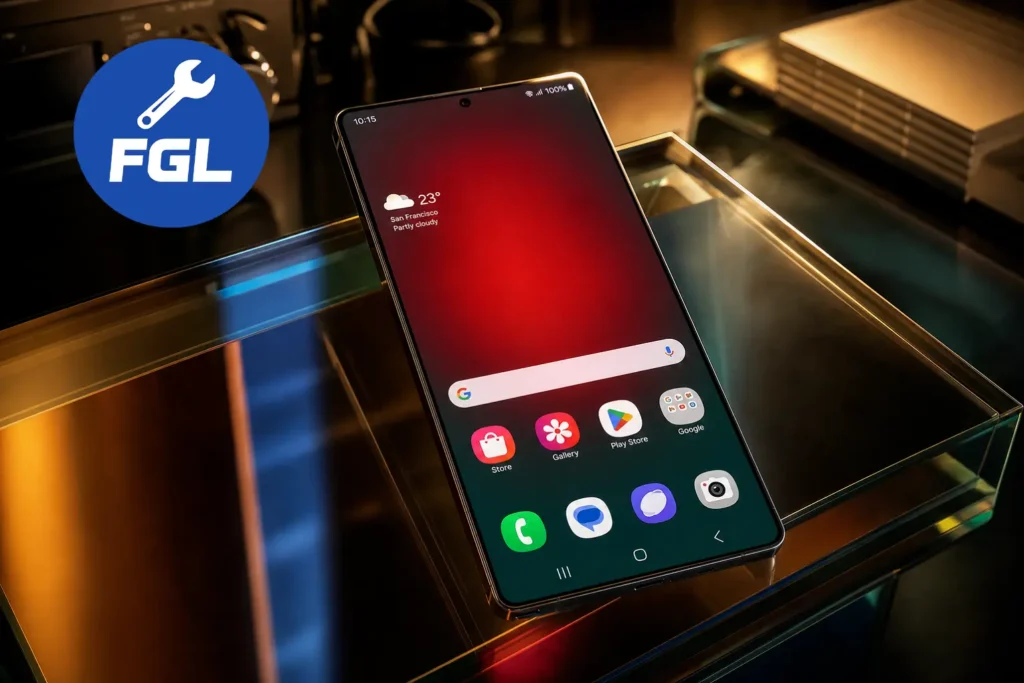
A red patch on the Galaxy S26 Ultra screen does not necessarily mean there is a hardware problem. Samsung has confirmed that the issue is software-related and can be fixed with a calibration update.
The red patch can appear when the phone’s Privacy Display is active, especially when it is set to turn on automatically. The first thing to try is turning off Privacy Display. If the patch is still there, check for the latest software update, as Samsung has released an update to fix the issue.
Quick Fix for the Red Tint
Go to Settings → Display → Privacy display and turn off Privacy Display. If it keeps turning on automatically, open Conditions for turning on and disable the options that are activating it.
Check for the latest software update on your Galaxy S26 Ultra. Samsung has released the August 2026 security update, which includes the fix for the red tint issue. The rollout started in South Korea and is expanding to other regions, so the update version may vary depending on your model and region.
If the update is not available on your phone yet and the red patch is still there, you can visit an authorized Samsung service center for the calibration fix.
For more help, visit Samsung’s official Support.
Why the Red Patch Shows Up in the First Place
The Galaxy S26 Ultra uses Samsung’s Flex Magic Pixel technology for its Privacy Display, which narrows the screen’s viewing angle by controlling how light is emitted from the display. Samsung notes that the feature can slightly alter colors or image quality in certain conditions, especially when maximum privacy protection is enabled. This helps explain why some affected screens may show unusual discoloration or a visible patch rather than an even tint across the entire display. According to Samsung’s official Privacy Display support page, the technology is integrated directly into the screen and is designed to limit visibility from side angles while keeping the display clear for the person viewing it head-on.
How to Check If the Update Has Reached Your Device (Android)
Open Settings → Software update → Download and install on your Galaxy S26 Ultra.
If the August 2026 security update is available, download and install it. Samsung is rolling out the update in stages, so the software version may vary depending on your model and region.
How to Get Free Calibration Before the Update Arrives
If the issue is still not fixed because the software update is not available on your phone yet, visit your nearest authorized Samsung service center. Once you explain the issue, the technicians will know what you are talking about and can fix it with the calibration. It may only take a short time, but if they need more time, they will let you know.
Turning off Maximum Privacy Protection
Under Settings → Display → Privacy display, you may also see Maximum privacy protection. This setting makes the Privacy Display effect stronger.
If it is turned on, switch it off once and see if the red tint becomes less noticeable.
Is This Only About Privacy Display, or Something Else Too
The red tint is linked to Privacy Display, so it can become more visible when the phone is being used in strong light, such as direct sunlight. If the screen looks more red in this situation, lower the brightness a little and try to keep strong light from falling directly on the screen.
Once the software update is available, installing it should fix the issue.
What Happens If the Update Doesn’t Fully Fix It
If the red tint is still there after the update, the next step is to get the phone calibrated. Explain that the red tint is still visible and ask for the calibration fix.
If the issue is still present after calibration, the technicians can check the phone and tell you what needs to be done next.
Conclusion
Just seeing the red tint on your screen does not mean you need to panic or think that your phone is damaged. Privacy Display changes the way the screen handles light, so the color can look different in some situations.
This is also why the same screen may look normal at one moment and show a stronger tint in another situation. A small change in brightness or display settings can sometimes make the red tint less visible.
Frequently Asked Questions
Can the red patch damage the phone?
No, seeing the red patch does not mean the screen is physically damaged. If you also notice things like lines, flickering, or touch problems, that could be a separate issue. Similarly, if you are experiencing camera focus glitches, troubleshooting Galaxy S26 Ultra 3x zoom blurry shots can help restore sharp photos.
Is the red patch the same as OLED burn-in?
No. The red tint issue on the Galaxy S26 Ultra has been linked to a software calibration problem, not OLED burn-in. Samsung’s fix is focused on software calibration rather than a screen replacement.
Can I keep using my Galaxy S26 Ultra with the red patch?
Yes, you can keep using the phone if the red tint is not causing any other problems. If it is bothering you, lowering the brightness or changing the Privacy Display settings can make it less noticeable.

- Google Pixel Battery Drain and Overheating: Causes and Fixes - October 25, 2026
- Google Pixel Video Bug: Subject Missing in Saved Recordings - October 25, 2026
- iPhone 18 Pro Earpiece and Speaker Crackling or Popping: Is It Fixable? - October 25, 2026