
Published: October 9, 2026
Your iPhone 18 Pro Max was working fine, and now it says “SOS” where your signal bars should be. Calls fail, texts won’t send, and mobile data is gone.
If you’re on AT&T, Apple has confirmed an issue affecting a small number of iPhone 18 Pro Max phones. Find your situation in the table below, then follow the steps for it.
Which situation are you in?
| Your situation | What to do |
|---|---|
| Service works normally | Follow “How to protect your iPhone while it still works” below |
| SOS appears now and then, then clears | Apple has published no separate guidance. Our suggestion: follow the protection steps, note when it happens, and contact AT&T or Apple if it keeps coming back |
| SOS stays on and calls, texts and data fail | Follow “If your iPhone is stuck in SOS” below |
| Different carrier or different model | Apple’s statement names only the iPhone 18 Pro Max on AT&T. SOS there may come from the SIM or eSIM, the account, or a local outage |
Apple’s statement names only the iPhone 18 Pro Max on AT&T. SOS there may come from the SIM or eSIM, the account, or a local outage. Our general iPhone SOS fix guide covers those fixes.
What did Apple say about the fix?
In a statement shared with 9to5Mac and other outlets on October 2, 2026, Apple said:
- The issue can make a phone lose service and be unable to make calls.
- iOS 27.0.1 and an AT&T carrier settings update were released to help prevent it.
Apple also told 9to5Mac that a phone that has already lost service cannot be fixed with software and needs a hardware replacement.
Apple has not said what causes it. Some reports point to the Qualcomm modem (the cellular chip), but Apple has not named the modem or anything else. Treat that as unconfirmed.
What affected users have reported
AT&T texted customers on October 1, a day before Apple’s statement, and told them to update to iOS 27.0.1 right away. MacRumors reported that threads on the Apple Support Community, Reddit and its own forums point to at least thousands of affected users.
Reports describe two patterns: some phones lose the AT&T network for good, while others drop in and out.
Many users who were already affected say iOS 27.0.1 changed nothing for them, and its release notes do not mention this issue. Apple has only said “a small number”, and no figure has been published.
How to protect your iPhone while it still works
- Connect to Wi-Fi.
- Check for iOS 27.0.1. Go to Settings → General → Software Update. If 27.0.1 or newer is listed, tap Download and Install. If your iPhone says it is up to date, move on.
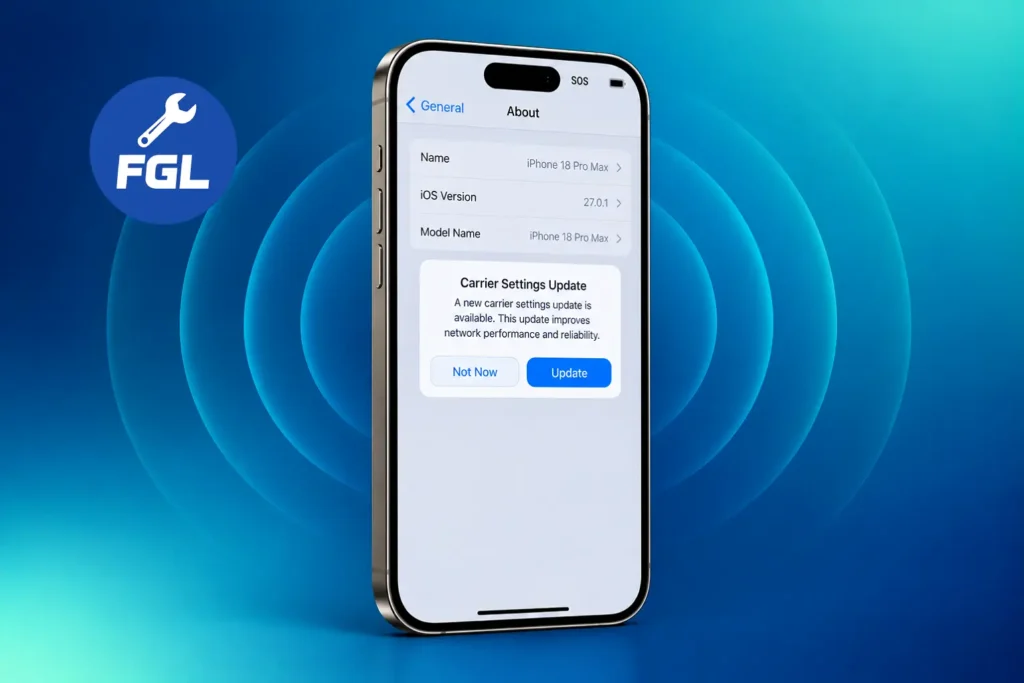
- Check for the carrier settings update. Go to Settings → General → About. If a prompt appears, tap Update. If nothing appears, you don’t need to do anything yet. 9to5Mac reports the update downloads automatically over 14 days from October 2.
- Back up your iPhone. A replacement phone starts empty. Go to Settings → [your name] → iCloud → iCloud Backup, then tap Back Up Now.
If your iPhone is stuck in SOS
Try these two things first:
- Restart your iPhone.
- Check that your line is turned on. Go to Settings → Cellular, tap your line, and make sure Turn On This Line is switched on.
If SOS is still there, ask about a replacement. Contact Apple Support or AT&T, or visit an Apple Store or AT&T location. AppleInsider reports that an Apple Store is a good place to start, and some AT&T corporate stores may also have replacement devices.
If your iPhone is on iOS 18 or later, the Apple Support app may offer diagnostics to help identify the issue before your visit.
What to say when you contact Apple or AT&T
Have your phone model, iOS version (Settings → General → About), AT&T number and account details ready. Then you can use this script:
“I have an iPhone 18 Pro Max on AT&T. It has shown SOS since [date], and calls, texts and data all fail. I have restarted it and confirmed my line is on. I understand Apple has said phones that lost service need a hardware replacement. Does my phone qualify? Is there any charge, how long will it take, and what happens to my data?”
Can you still call for help when your iPhone shows SOS?
Normally, yes. Apple’s SOS and No Service guide explains that SOS means your phone is not connected to your own carrier, but it can still make emergency calls through other networks in Australia, Canada and the United States.
For this specific issue, the picture is less clear. Macworld quotes an AT&T message saying the issue may affect calls, data, texts and 911 calls. Keep another phone nearby until yours is sorted out.
What is still not confirmed
- The cause of the problem
- How many phones are affected
- Emergency calling on an affected phone
- Replacement for phones that only drop in and out
- The cost of a replacement
We will update this page when Apple or AT&T publish more.
Frequently Asked Questions
Is the iPhone 18 Pro affected too?
9to5Mac says the iPhone 18 Pro, which uses Apple’s own C2 modem, is unaffected. Apple has not commented on the regular Pro.
I bought my iPhone 18 Pro Max unlocked and use an AT&T SIM. Does it count?
We found nothing that treats unlocked phones differently.
Will resetting network settings fix SOS?
Apple has not named it as a fix for this issue. A reset also erases saved Wi-Fi networks and passwords, so do it only if Apple Support asks you to.
Can I back up my iPhone while it’s stuck in SOS?
Yes, a backup doesn’t need cellular service. Use iCloud Backup over Wi-Fi, or connect the iPhone to a computer and use Finder on a Mac or the Apple Devices app on Windows.
How do I know if the problem is my phone or my AT&T line?
Ask AT&T to confirm your line is active and there is no outage in your area. If your line works on another device but your iPhone still has no service, tell Apple or AT&T that you have already ruled out an account or line problem.
Sources
- 9to5Mac: Apple confirms iPhone 18 Pro Max AT&T cellular issues
- MacRumors: AT&T acknowledges iPhone 18 Pro Max issues
- AppleInsider: If your iPhone 18 Pro Max always says SOS
- Macworld: Apple confirms iPhone cellular issue
- Apple Support: If you see SOS, No Service, or Searching

- Fix Google Pixel Screen Flickering & Green Line Issue (Step-by-Step Guide) - October 27, 2026
- Google Pixel Battery Drain and Overheating: Causes and Fixes - October 25, 2026
- Google Pixel Video Bug: Subject Missing in Saved Recordings - October 25, 2026