
Published: October 21, 2026
If your Pixel slides an app off to the right instead of shrinking it down to the home screen, you may be running into a software glitch that several Pixel owners have described. Since Google’s September Android 17 QPR1 update, some users have reported the same strange behavior, and Android Authority covered the problem on October 14, 2026.
Here is the part that matters most: no fix has been announced yet. Android Authority reported that Google was aware of the problem and was investigating it. A future software update may fix the problem, but Google has not confirmed a fix or release date. Until then, there is a small workaround that helped at least one affected user, and this guide walks you through it.
You will also learn how to tell whether your phone has this exact glitch, which models have been mentioned, and which details are still unconfirmed.
Quick Fix
If you want the short version, try this first:
- Open Settings, then System (on some models it is Display or Display and touch).
- Tap Navigation mode and choose 3-button navigation.
- Treat it as a temporary workaround. One user shared it, and it is not an official Google recommendation.
The sections below explain each step in more detail.
What Is Happening on Pixel Phones After Android 17 QPR1?
When the Problem Started
Google began rolling out Android 17 QPR1 on September 15, 2026, to Pixel phones from the Pixel 6 through the Pixel 10 series. After the update, Pixel owners started posting about wrong motion effects on the home and Recents screens. Android Authority wrote that users have seen the trouble ever since the update landed.
What the Glitch Looks Like
Two behaviors keep showing up in the user reports:
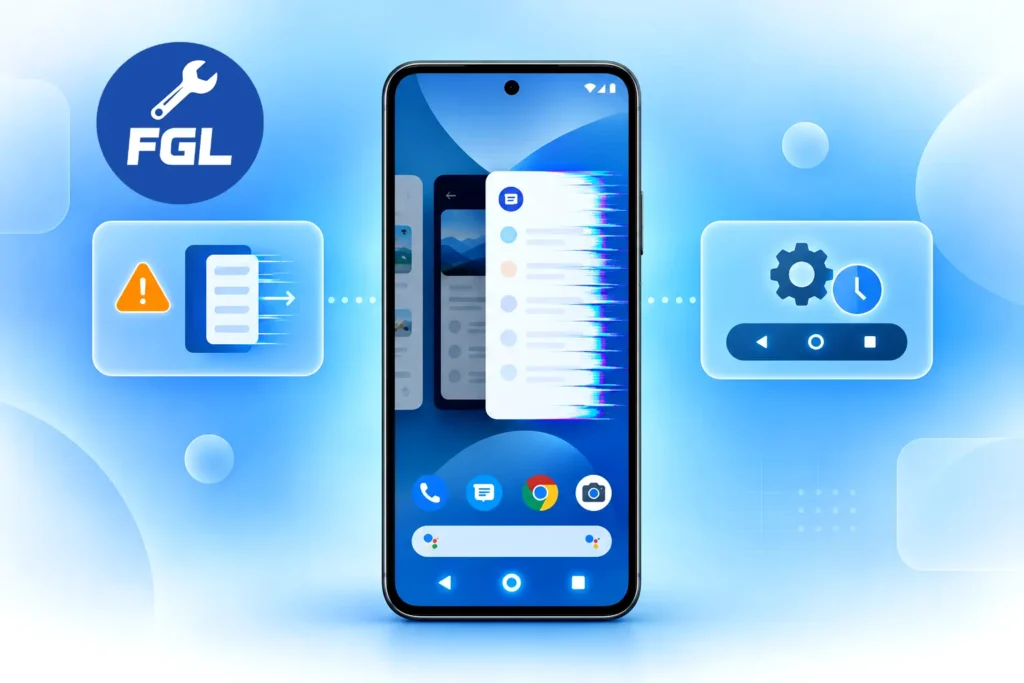
- Going home: Normally, an app shrinks downward when you swipe home. Affected users say the app jumps into the Recents screen first and then slides away to the right.
- Opening Recents: When you open Recents from inside an app, the app icon can get stuck on the screen while the Recents view appears behind it.
The reports reviewed describe a visual transition problem. Whether any other issues are related remains unconfirmed.
Which Pixel Phones Are Affected?
So far, the reports come from the Pixel 10 series. One user reported the problem on a Pixel 10 Pro XL, and another reported the same behavior on a Pixel 10a.
Android Authority also noted that everyone it found with this glitch was using a Pixel 10 phone. The outlet added that it could not say whether the problem is limited to that series. In plain terms, other models may or may not be affected, and nobody has proven either side yet.
If your Pixel also seems to ignore taps or freeze, you may be dealing with a different issue, which we cover in our guide on screen freezing and touch lag.
When Does the Glitch Show Up?
One useful clue came from the Pixel 10a owner. They noticed that the glitch appears with apps opened from the app drawer, but not with apps opened from a shortcut on the home screen.
Another user said it often happened right after using the on-screen keyboard inside the app. These are user-reported observations, not confirmed causes, but they help you check whether your phone matches the pattern.
Try this quick test:
- Open an app from the app drawer.
- Swipe home using the gesture.
- Watch whether the app slides to the right through Recents.
- Repeat with an app launched from a home screen shortcut and compare.
If both launches behave the same and normally, your issue may be something else entirely.
How to Fix the Pixel Animation Glitch for Now
Step 1: Check for a Software Update
Because the cause appears to sit inside the software, a patch from Google is the most likely cure. Google’s support pages give this path for checking updates:
- Open Settings.
- Tap System, then Software update.
- If an update is waiting, follow the on-screen steps.
Keep in mind that no source reviewed says a specific update fixes this glitch. Installing updates is simply the way a future patch will reach you.
Step 2: Switch to 3-Button Navigation
This workaround was shared by one user, who said it helped. It is not an official Google recommendation. Here is the path described by Android Authority:
- Open Settings.
- Go to System (or Display / Display and touch, depending on your model).
- Tap Navigation mode.
- Select 3-button navigation.
You will lose the swipe gestures and get the classic back, home and recents buttons instead. Results may vary, since only one person’s experience has been shared so far.
Step 3: Go Back to Gesture Navigation Later
When Google ships a patch, you can return to your usual setup by choosing Gesture navigation in the same menu. Test it with a few apps from the drawer before deciding to stay.
What Google Has Said So Far
Google has not published a public statement or a fix for this specific bug in the sources reviewed. What exists is a report that the company is aware of it. Android Authority said the official Pixel account on Reddit contacted some affected posters on October 14 and asked to talk with them about the problem.
That is a good sign because it suggests Google is collecting details. It is not the same as an official announcement, so it is wise to avoid reading it as a promised fix date.
Google released its October Pixel update on October 6, 2026. According to reports on the update’s listed fixes, none of them mention this specific animation glitch, and whether the update changes the problem remains unconfirmed.
What Is Confirmed and What Is Not
Confirmed by the reporting:
- Android 17 QPR1 began rolling out on September 15, 2026.
- Users describe wrong motion effects on the home and Recents screens.
- The reports so far involve the Pixel 10 series.
- Google was aware of the issue and investigating, according to Android Authority’s October 14 report.
Not confirmed:
- An official fix or release date.
- Whether older Pixel models are affected.
- How many people are affected overall.
- The exact cause inside the software.
Frequently Asked Questions
Will switching to 3-button navigation erase my apps or settings?
It is only a navigation setting, so it changes how you move around the phone rather than what is stored on it. You can switch back from the same Navigation mode menu at any time.
Should I factory reset my Pixel because of this glitch?
No verified report shows a factory reset solving this problem, and a reset erases your data, so it is not a sensible first step. Checking for updates and trying the workaround above are lower-risk options while Google investigates.
I own a Pixel 11 and have not received QPR1 yet. Should I worry?
As of October 14, 2026, Android Authority noted that Pixel 11 owners were still waiting for QPR1, and that everyone affected so far used a Pixel 10 phone. This may have changed since then, so check Settings > System > Software update for your current status. Whether the glitch appears on other models has not been shown.
Sources and Verification
The details in this guide come from the following reporting:
- Main report: Android Authority report
- User discussion: Pixel Community discussion (replies not independently verified)
Google had not announced a fix when the sources were checked, so details may change as new updates arrive.

- Google Pixel Battery Drain and Overheating: Causes and Fixes - October 25, 2026
- Google Pixel Video Bug: Subject Missing in Saved Recordings - October 25, 2026
- iPhone 18 Pro Earpiece and Speaker Crackling or Popping: Is It Fixable? - October 25, 2026