
Published: August 17, 2026
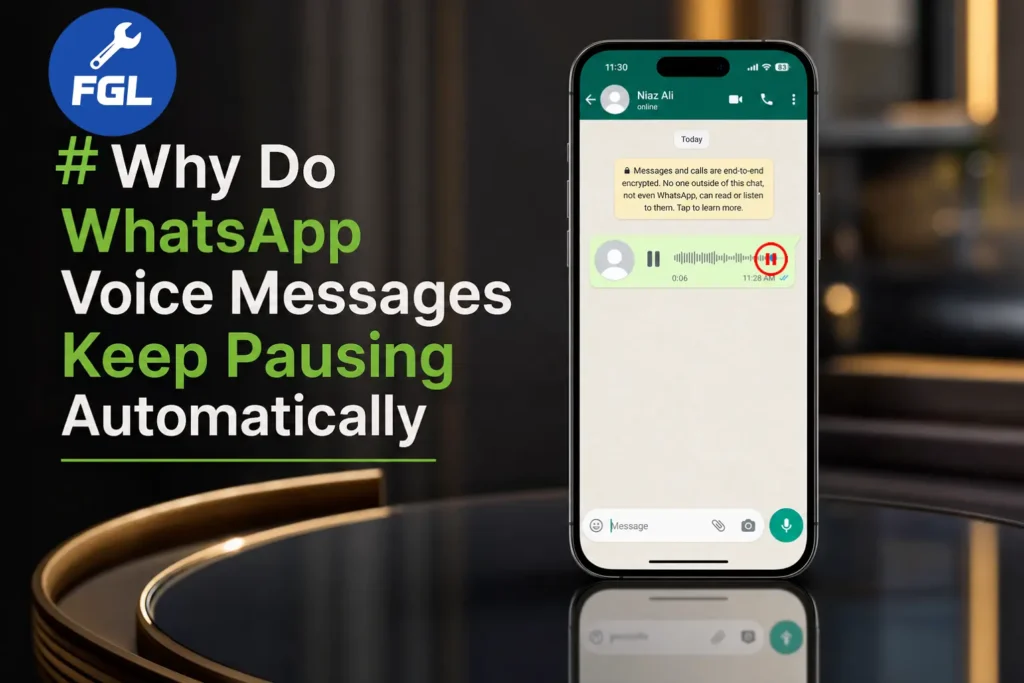
If your WhatsApp voice message suddenly pauses while you are listening, the reason behind it can be the proximity sensor. It is located on the upper part of the phone, near the earpiece speaker and front camera.
How Does It Actually Work?
When you bring the phone close to your face or ear, the sensor becomes active and automatically switches the audio to the earpiece and dims the screen light.
When dust, dirt, or something else gets on the sensor, its function gets disturbed. It thinks that something has touched the screen, so the voice message pauses or goes into earpiece mode.
To fix this, properly clean the area around the camera with a soft cloth. If you have a screen protector installed, remove it for some time and play the voice message again. If the screen stays on and the voice message works properly, then the issue was caused by dust or dirt on the proximity sensor.
If it still pauses, then you will have to check other reasons, as mentioned below. Apart from this, if the WhatsApp call volume becomes low, WhatsApp voice message low volume issues can help you understand and fix that problem as well.
The Proximity Sensor Is One of the Most Common Reasons
Often, we change the phone case according to the phone model, but sometimes the case can cover the sensor. Apart from this, when you use your phone a lot, even while eating or doing some work where your hands may be dirty, and you receive a call or voice message and immediately listen to it, the dirt on your hands can also cause this issue.
This can sometimes make WhatsApp voice messages switch to earpiece mode, which causes them to pause.
Background Apps and Battery Settings Interfere Too
Often, people watch videos on Facebook or some other network about saving battery and change the default settings. They don’t know that sometimes this can create problems for apps that are supposed to run smoothly in the background. If WhatsApp is restricted from running freely while you are doing something else, like switching to another app or locking your screen during playback, the system can pause the audio to save power.
This is more common on Android phones from brands that use heavy battery optimization, since some of them restrict background activity for apps unless you manually allow it.
An Outdated App or Temporary Data Can Affect Playback
WhatsApp often gets updates, and voice messages are also improved or changed in these updates because they are one of the most used features of the app. Millions of people record and send voice messages every day, so sometimes even a small bug in an update can affect playback for some users until the next update fixes it.
Temporary app data can also sometimes cause playback problems, so clearing WhatsApp’s cache can be a useful step on Android. Clearing the cache removes temporary files without deleting your WhatsApp chats.
Storage Space and Network Conditions Can Also Affect Playback
If your phone’s storage is full, it can affect its performance. Audio playback also needs some free storage to buffer smoothly. A weak or unstable internet connection can also affect playback, especially if the voice message has not fully downloaded.
Keeping WhatsApp updated, removing temporary files, and keeping enough free storage on your phone can solve small issues, so it is better to keep these things in check. If the issue still won’t go away after trying everything here, WhatsApp’s own Help Center has a dedicated troubleshooting page for audio playback problems that’s worth checking as a final step.
When It’s Actually a Hardware Problem
If you have tried all the above steps and the issue still remains, then it could be a hardware problem. Because if the issue was caused by apps or the sensor, it should have been fixed after trying all these steps.
It could be the earpiece speaker, proximity sensor, or moisture that got into the upper part of the phone. In this case, it would be better to get the hardware checked by a nearby good technician.

- Google Pixel Battery Drain and Overheating: Causes and Fixes - October 25, 2026
- Google Pixel Video Bug: Subject Missing in Saved Recordings - October 25, 2026
- iPhone 18 Pro Earpiece and Speaker Crackling or Popping: Is It Fixable? - October 25, 2026