
Published: October 18, 2026
You glance at the car display to check your reception on a patchy stretch of road, and the signal bars are gone. Just a blank gap in the corner. Calls and navigation keep working for most people, so it is hard to tell whether the problem is your phone, your carrier, or Android Auto itself.
It is a known Android Auto bug. Google says a fix is rolling out, and many drivers now report the bars coming back. Below you will find what is confirmed, which app versions matter, and the quickest steps to get the Android Auto missing signal icon fix on your own phone. This guide is based on news reports published up to mid-October 2026.
Quick Fix: Get the Signal Icon Back
- Update Android Auto, and check Google Play services as a secondary step.
- Clear the Android Auto cache.
- Reconnect your phone to the car.
- If nothing changes, wait, because the fix is arriving in waves.
Details for each step are further down.
What Users Noticed
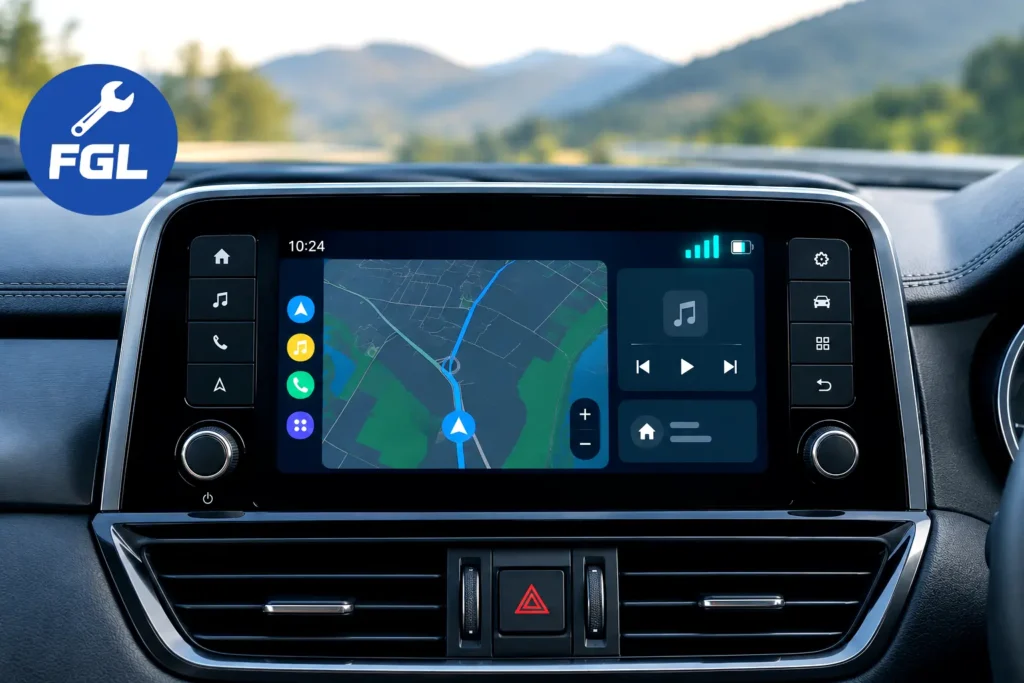
Android Auto keeps a small status area on the car display. It normally shows the time, your phone’s battery, notifications, and the strength of your mobile connection. Earlier this year, the last item began to vanish for some people, leaving a blank space.
The problem was not consistent. For some drivers the icon disappeared at random and sometimes returned just as randomly. By mid-September, 9to5Google described reports stretching back four to five months, which shows how long the issue had been around.
The bars are small, but they are useful. They let you tell at a glance whether a dead spot is coming from the road or from your phone, without picking the phone up.
What Google Has Confirmed
The confirmation was informal. A Google representative replied in a Reddit thread and said the company was aware of the missing signal reports and was rolling out a fix that should hopefully solve it. The reply also said the fix was not widely available yet and might take time to reach each device.
There is no separate blog post or support page that we could find, so the Reddit reply, as quoted by news sites, is the main official signal. That is worth knowing, because it explains the cautious wording: Google did not promise that every phone would get the icon back at the same time.
Android Auto 17.8 and 17.9: Which Version Has the Fix
Most coverage ties the fix to version 17.8. The bars first returned for some users on a 17.8 beta build, and the stable version reached the Play Store in late September, according to autoevolution. 9to5Google and TechRadar both point to 17.8 as the release linked with the fix, though 9to5Google adds that it seems to deliver it “at least in part.”
Version 17.9 makes the picture less clear. Autoevolution reports that 17.9 also carries the signal bar fix and has since started reaching the Play Store through a wave-based rollout. These reports do not fully agree on which build is the key one, so the safest advice is simple: aim for 17.8 or newer, and do not treat the number alone as a guarantee.
To see what you have, open the Android Auto settings on your phone and scroll to the bottom, where the version number is shown. The exact menu names can differ between phone brands.
Step-by-Step Fix for the Missing Signal Icon
Step 1: Update Android Auto
Open the Play Store, search for Android Auto, and tap Update if it is available. As a secondary check, make sure Google Play services is up to date as well. Android Authority notes that Android Auto changes often arrive through a mix of app updates and server-side switches.
Step 2: Clear the Android Auto cache
On your phone, go to Settings, then Apps, then Android Auto, then Storage, and tap Clear cache. Android Authority and TechRadar both suggest this after updating, and a user quoted by 9to5Google said they did it right after installing the new build.
Step 3: Reconnect to the car
Disconnect the cable or turn off the wireless link, wait a few seconds, then connect again. Check the display when you are safely parked, since the icon may only reappear after a fresh connection.
Step 4: Consider the beta program
Google’s reply mentioned the Android Auto beta as a way to get the fix sooner. However, news reports in mid-October said the beta was full, so this route may not be open to you. If it is closed, normal updates are the practical option.
Why the Icon May Still Be Missing After Updating
One common reason is a staged rollout. Android Auto 17.9 is described as arriving in waves, which means two phones on the same version can look different on the same day. Some users in earlier reports even saw the bars come back, vanish, and return after another update without any change in the version number.
That does not mean your update failed. It may simply mean your device has not been included yet. For the most recent reporting on how widely the fix has spread, see the 9to5Google update, which noted on October 16 that the fix seemed to be reaching many more users.
If the Icon Still Does Not Return
Restart your phone once, reopen Android Auto, and check again when you are safely parked. Make sure Android Auto is fully updated, then give the rollout some time. A second walkthrough of the same checks is available in the TechRadar guide.
Final Thoughts
This was a small bug with a surprisingly long life. A Google representative has acknowledged it on Reddit, the fix is tied to recent Android Auto releases, and an updated app plus a cleared cache may help bring the bars back. If yours have not returned yet, that may simply be a timing issue.
Frequently Asked Questions
Does the missing icon mean my calls or navigation are broken?
Reports say no. Autoevolution reported that users could still make calls and send texts while the icon was missing, so only the indicator on the car display appeared to be affected.
How can I check my real signal while the icon is missing?
Look at your phone’s own status bar, or try a quick call or a small data task. If those work, your connection is likely working at that moment.
Will clearing the cache delete my settings?
Clearing the cache removes temporary files only. This is standard Android behavior, and your saved preferences are not meant to be removed.
Is it safe to download Android Auto from an outside website?
It is risky. 9to5Google noted that installing app files outside the Play Store is done at your own risk. Waiting for the normal update is the safer choice.
Why did the signal bars disappear in the first place?
Google has not published an explanation. Reports only say the icon vanished early in 2026 for some users, without a confirmed cause.

- Google Pixel Battery Drain and Overheating: Causes and Fixes - October 25, 2026
- Google Pixel Video Bug: Subject Missing in Saved Recordings - October 25, 2026
- iPhone 18 Pro Earpiece and Speaker Crackling or Popping: Is It Fixable? - October 25, 2026